
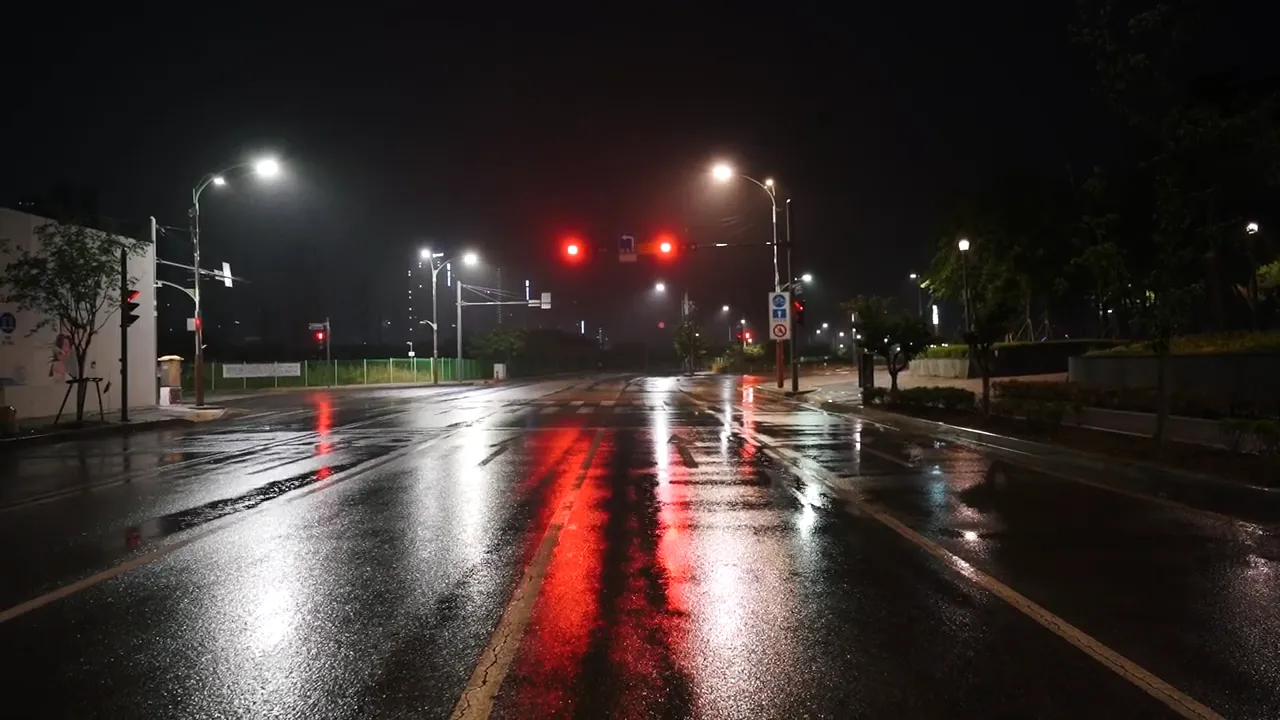
Wet night intersection, by Ricky Esquivel on Pexels (Pexels License).
Police and public safety · 02:30
Your night shift, from the desk
Scrubbing recordings, camera by camera.
The live dashboard shows your cameras, with the most significant recent events above them.
Screens on this page show fictional data.
Wet night intersection, by Ricky Esquivel on Pexels (Pexels License).
At 02:47
An alert reaches the desk
A time-in-zone rule names a zone and a schedule.
Each event from a live camera is checked against your rules as it is recorded, and a matching alert is sent at that point.
Wet night intersection, by Ricky Esquivel on Pexels (Pexels License).
At 03:40
Then a question for the cameras
Ask in plain language about what your cameras saw, and answers come with citation cards for the events and frames they rest on.
Each answer comes with a snapshot of the exact frame the vision model judged.
Ranked by how closely this matches your question. Not a probability.
Wet night intersection, by Ricky Esquivel on Pexels (Pexels License).
At 05:30
What you found goes into a case
A case holds a timeline across cameras, annotations and a relationship map.
A case briefing is drafted for an analyst to review and can be exported as a Markdown file.
Alerts on the desk
Your operators mark each alert useful or not, and every rule keeps a quality score.
- Screened first
Frames are sampled from each camera and screened first, and only the frames that pass are described in words.
- Where alerts go
Alerts go out by email, or to a system your administrator connects.
- Who is on the desk
People on your desk hold an administrator, operator or auditor role, and administrators and auditors can read an audit log.
Ask across the grid
Describe what you are looking for in plain words.
- Your time zone
Time phrases such as "last night" resolve in the organisation's time zone, or in UTC if none is set.
- Vehicle search
Vehicles can be searched by type, colour, make, markings and damage.
- Checked again
The hash of a snapshot is recorded as it is captured, and a "Verified" chip on a citation checks it again.
Questions police teams ask
Can we use the cameras the station already has?
It works with the RTSP cameras you already run, with no new hardware.
Who can open a case file?
Only the members of a case can see it, as owner, editor or viewer, and an administrator's break-glass access is audited.
What does the system say about the people it sees?
Rules and labels say what happened on camera. The privacy rules are set out on the Trust page.
Where would it run for us?
We answer questions about deployment, networks and data flow in the first conversation, under NDA.
What does a pilot need from us?
A pilot needs a named owner, your camera and network details, and the questions your team wants answered.
How a pilot works
- Tell us about your camera grid and the questions your team asks most.
- A pilot runs on your own cameras, with your team, against criteria agreed before it starts. We agree the scope together: which cameras, which questions, and how the pilot will be judged.
- We connect your cameras with your team.
- During the pilot, your operators use it on your cameras. At the end, your pilot owner reviews the results against the criteria agreed at the start.
Talk to us about your night shift
Tell us which cameras and which hours matter most to your team.
Start with one station or precinct.